Activate your card
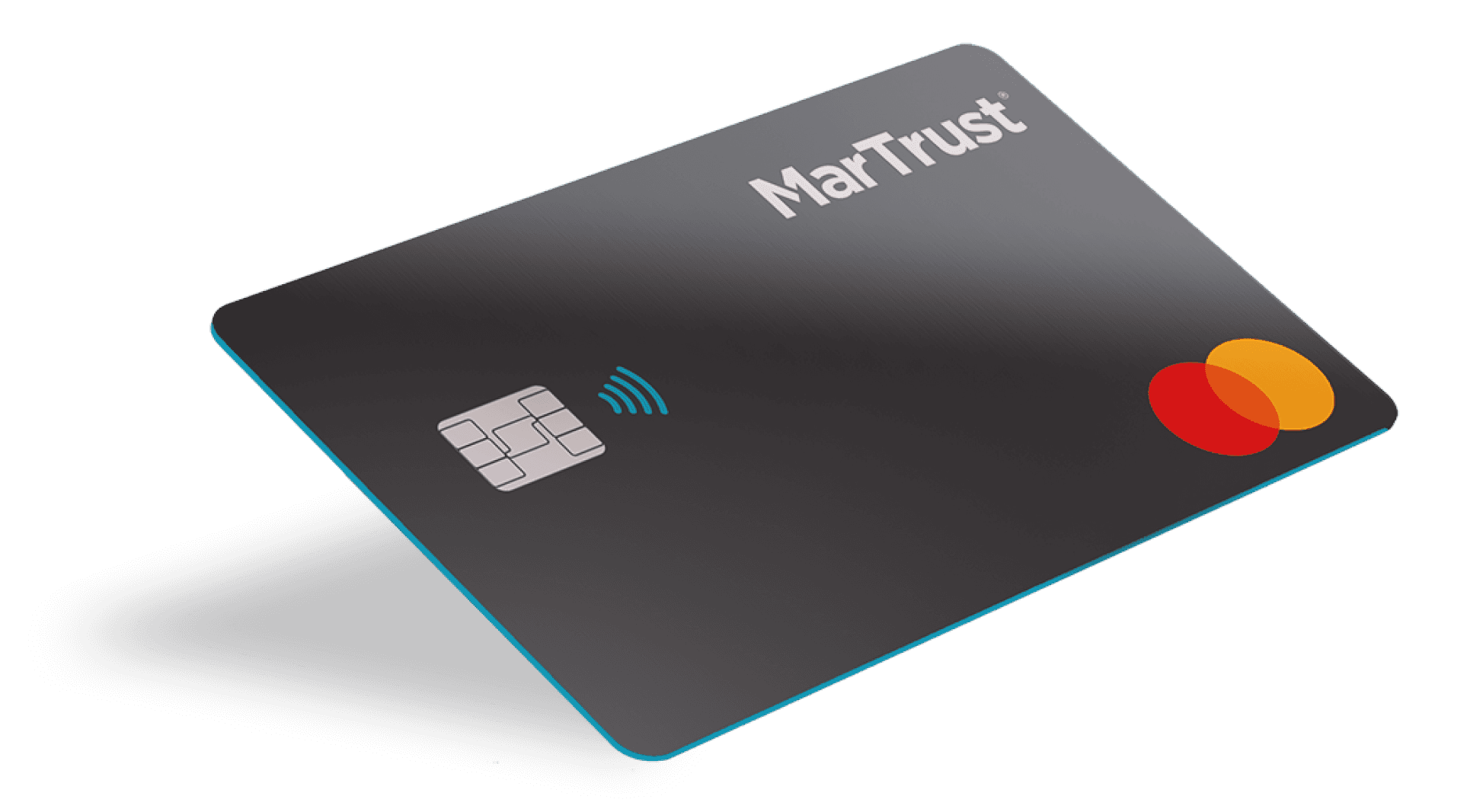
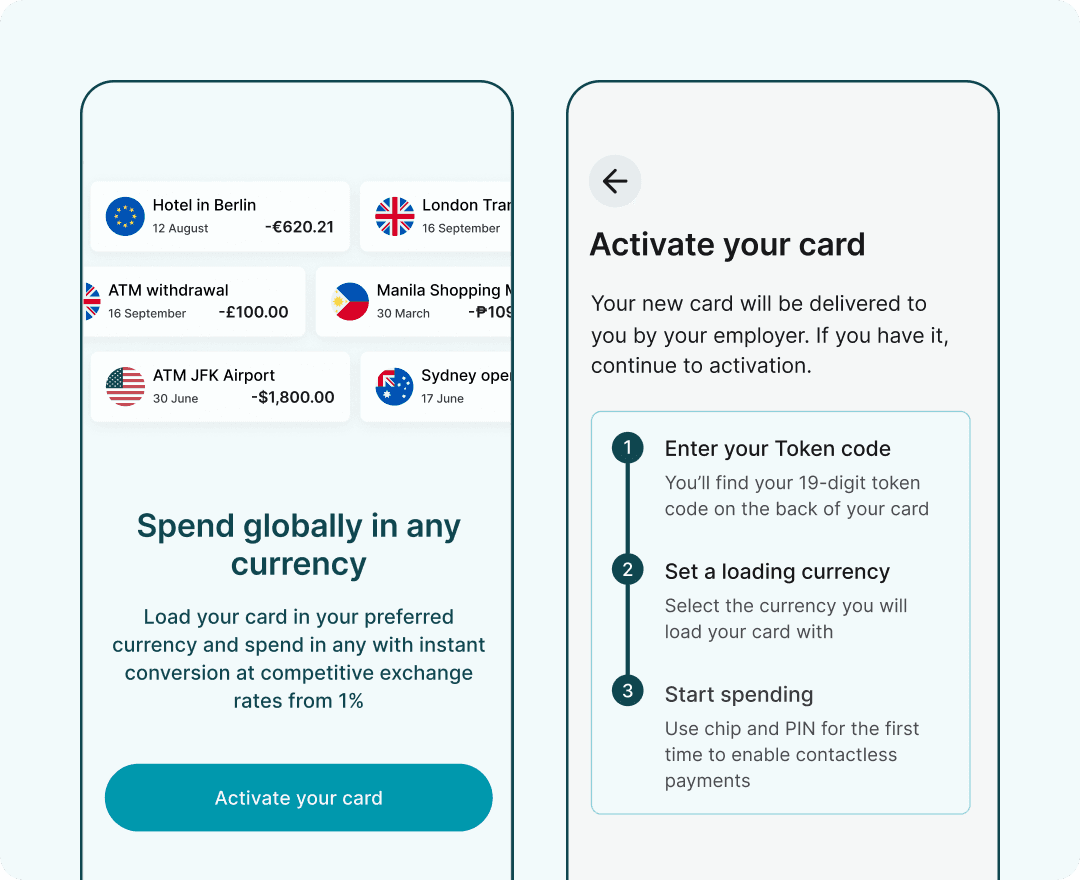
Your MarTrust Debit Mastercard will be delivered to you by your employer. Once you have your card, you can activate it from your account dashboard.
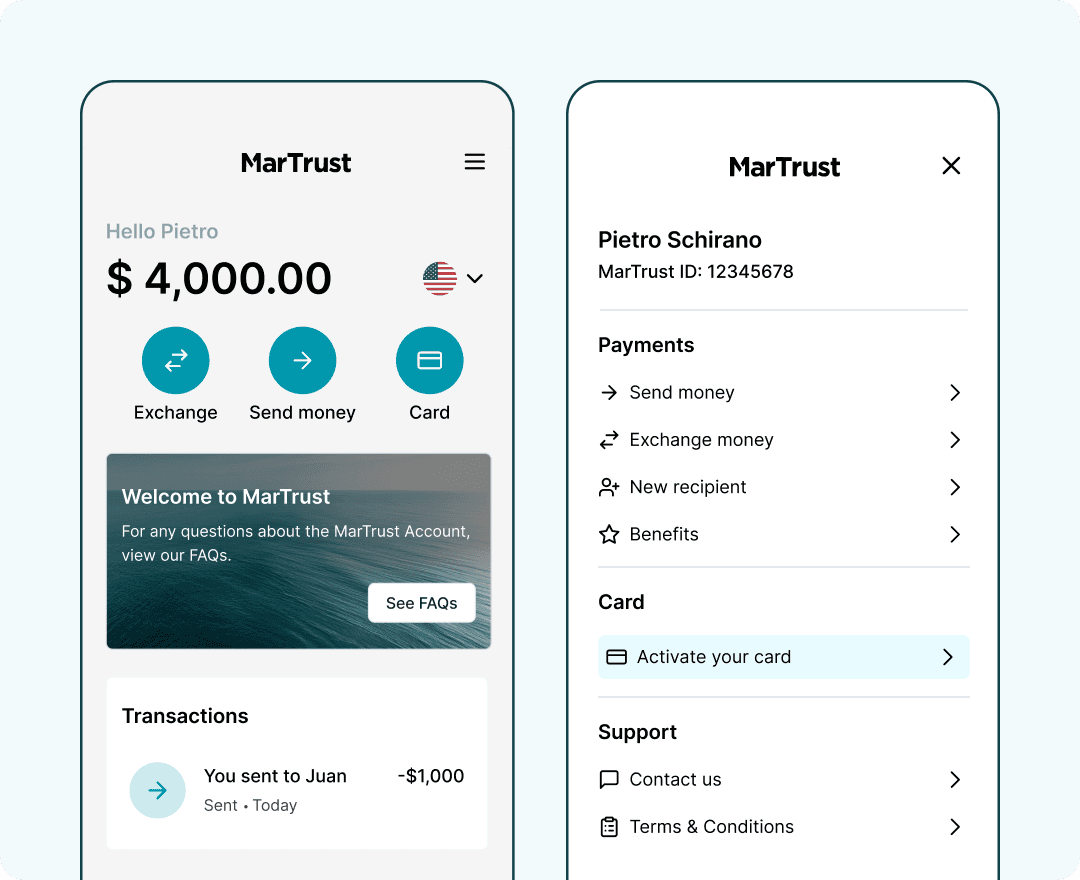
Select the ‘Card’ button on your dashboard or ‘Activate your card’ from the side menu to start the process.
If you haven’t received your MarTrust Debit Mastercard, please contact your employer to request it.
Start the activation process
Once you have your MarTrust Debit Mastercard, you can start the activation process. You will need the Token code found on the back of your card to begin.
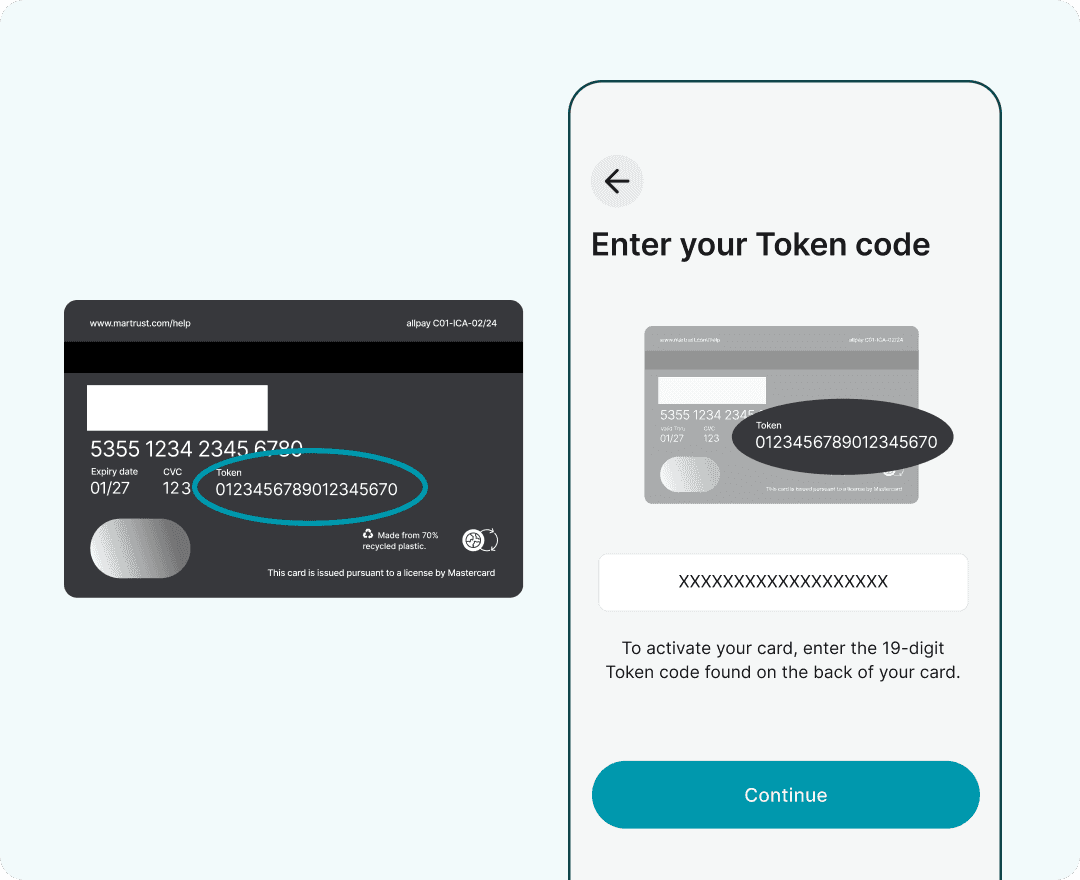
Enter your card Token code
Enter the 19-digit Token code found on the back of your card, then select ‘Continue’ to activate your card.
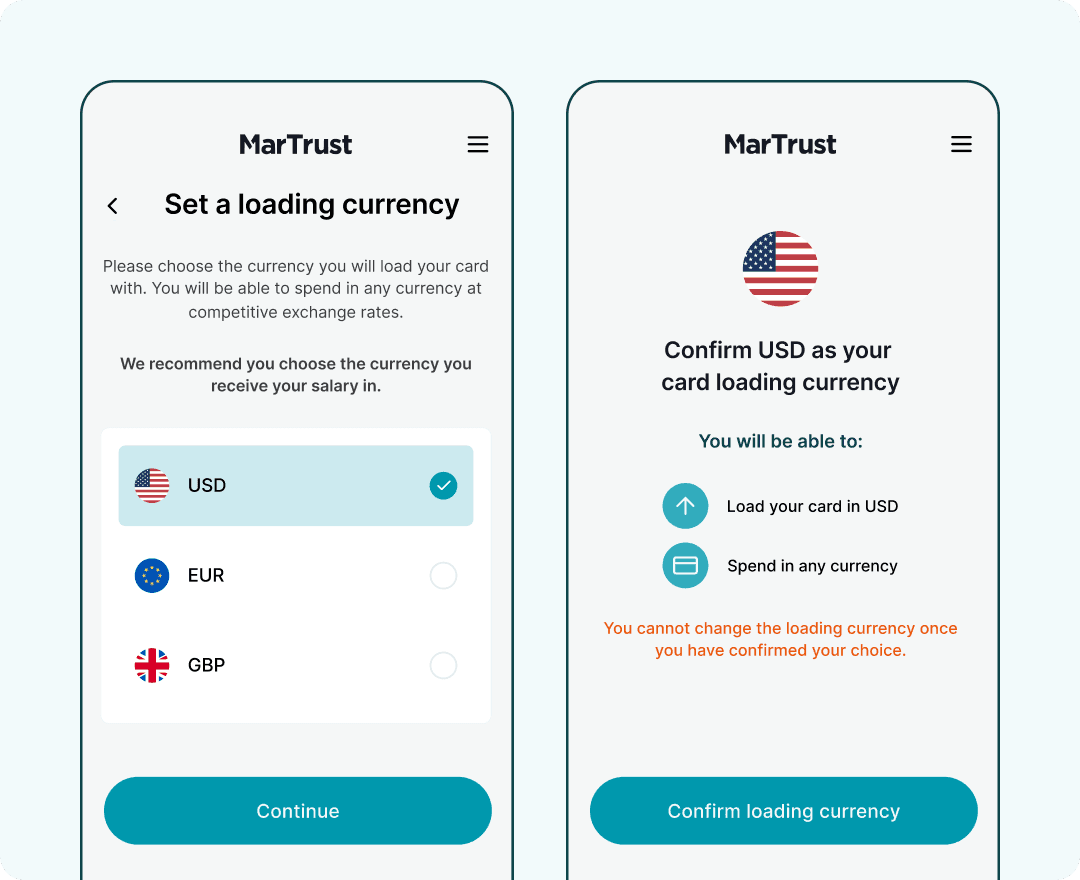
Set your card loading currency
Your MarTrust Debit Mastercard can hold a single currency, either USD, EUR, or GBP. You can spend in any currency with instant conversion at competitive exchange rates, from 1%.
Please select the currency you will hold on your card. We recommend you choose the currency you receive your salary in.
You cannot change your card loading currency once you have confirmed your choice.
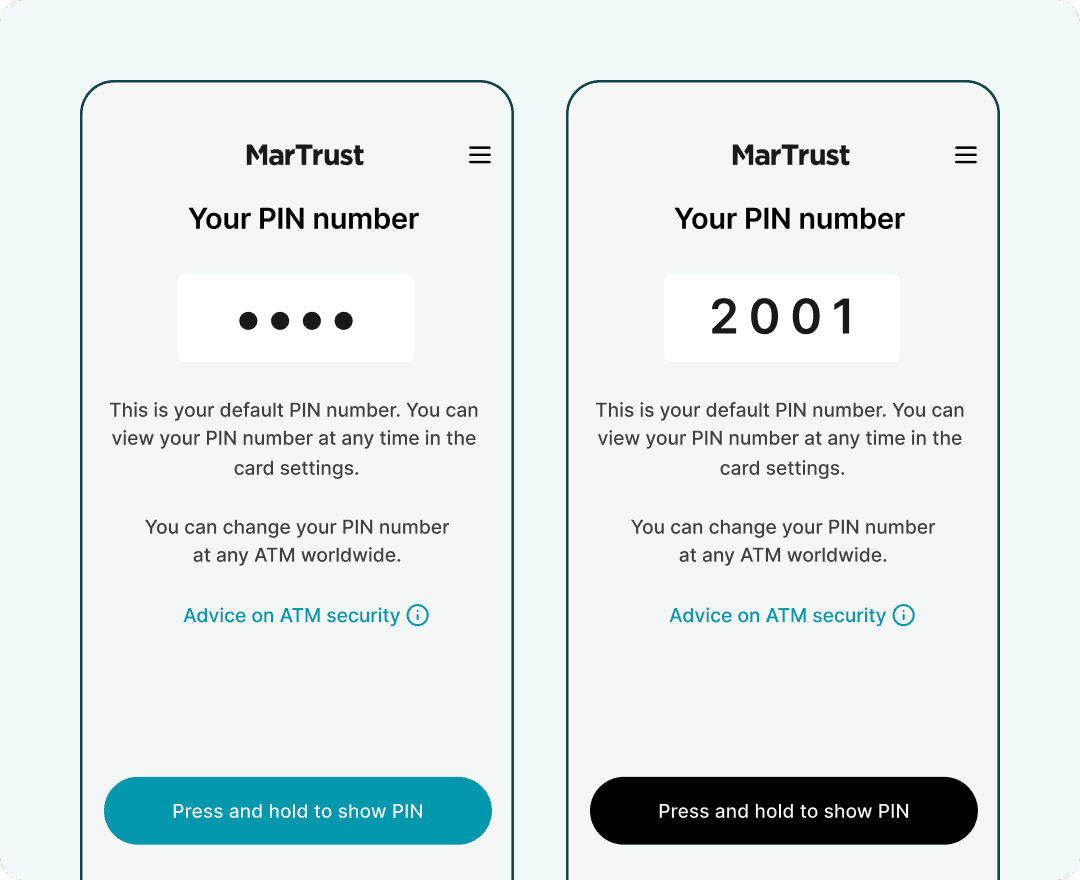
View your card PIN number
To view your card PIN number, press and hold the ‘Press and hold to show PIN’ button. For security, your PIN number will be hidden by default. Make sure no one can see your screen before you reveal your PIN number.
You can change your card PIN number at any ATM by following the instructions on the ATM screen.
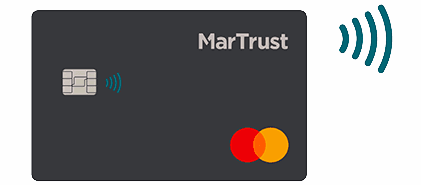
Make contactless payments
You can use your MarTrust Debit Mastercard for contactless payments at retailers that support this technology. To enable contactless payments, you must first complete a transaction using your card Chip and PIN.
To complete a Chip and PIN transaction, insert your card into the terminal, follow on-screen prompts to enter your PIN number, then remove your card once payment is processed.
We’re here to help
For any questions regarding the MarTrust Account or the latest account information, visit our help centre or get in touch. We offer support in English, Tagalog and Russian.
New guide
Take control of Procure-to-Pay
Why invoice control breaks down between PO and payment — and how leading ship managers close the gap. Free guide, plus two diagnostic tools.